02 / PSYCHOLOGY / SOFTWARE
Psychology Practice Platform
Make room for the human relationship.
Developed under the working name RuhHali, this mobile platform organizes the practical work around psychologist–client interactions. Separate practitioner and client flows connect invitations, reusable assessments, assignments and feedback on submitted responses.
01 / OVERVIEW & MOTIVATION
A concrete project. A specific problem.
The problem
Between-session activities can become fragmented across notes, forms and separate communication channels. Both practitioner and client need to understand what was assigned and what happened next.
The motivation
The platform organizes assignments, reusable questionnaires and contextual feedback around a psychologist–client relationship. It supports the practical workflow rather than replacing professional judgment.
EXISTING IMPLEMENTATION
More than a proposal.
An existing React Native / Expo codebase with separate role flows, an assessment builder, assignment services and response-linked feedback. Its working name in the inspected source is RuhHali; it has no public repository or public release linked here.
Code existence, a rendered interface and connected-service reliability are different levels of evidence. The sections below keep them separate.
02 / IMPLEMENTED IN SOURCE
What the project does.
These capabilities are represented in the inspected code and documentation. Isolated source UI demonstrations are labeled separately. Connected-service behavior was not revalidated here.
Invitations and separate roles
Invitation-code creation and sharing, client matching, client lists and role-specific navigation are implemented in the application source.
Assessments and reusable templates
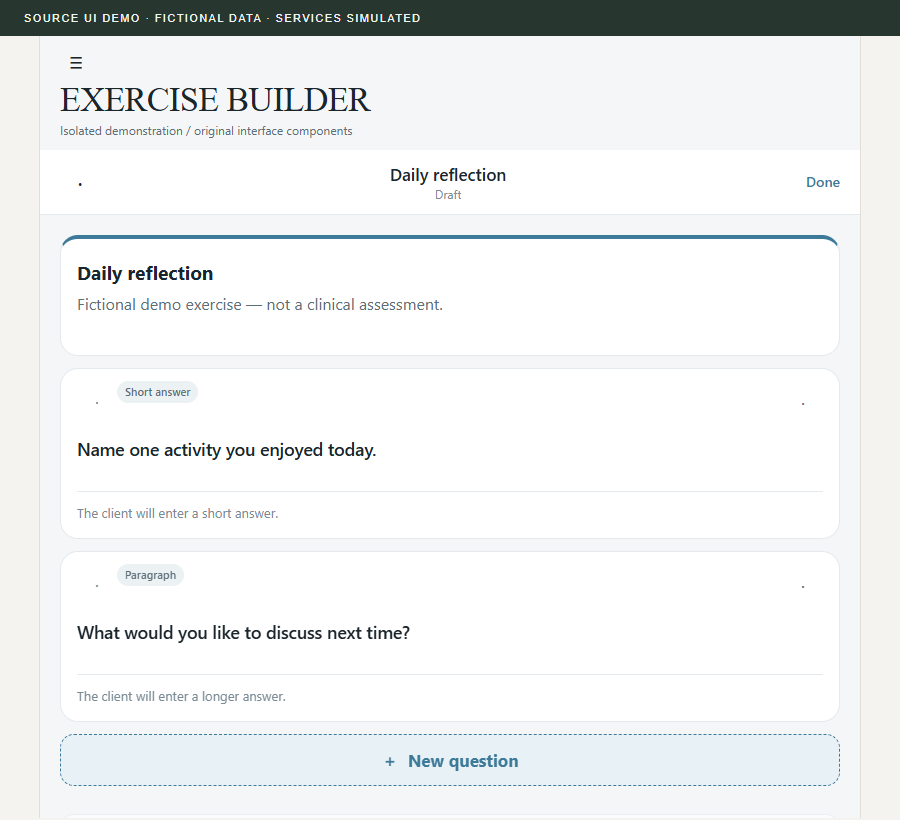
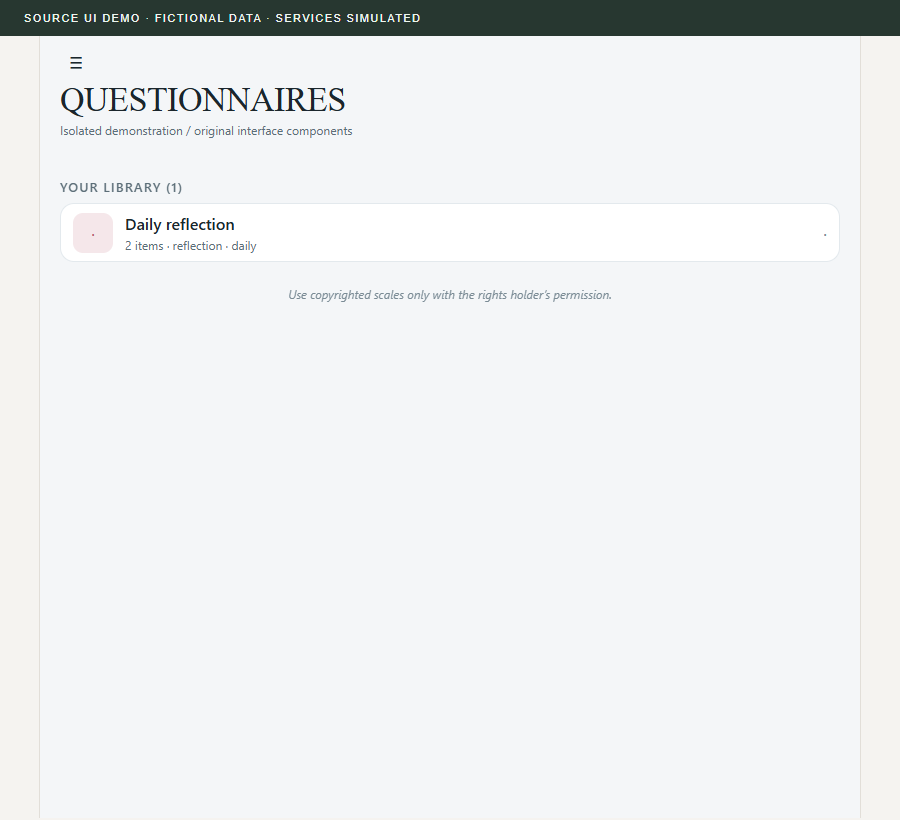
The assessment builder supports single and multiple choice, short and long text, linear scales, checklists and information blocks. Templates can be saved and updated.
Assignments and response tracking
Practitioners can assign tasks and choose repetition settings. Client response submission, drafts and practitioner response review are represented in service and interface code.
Response-linked communication
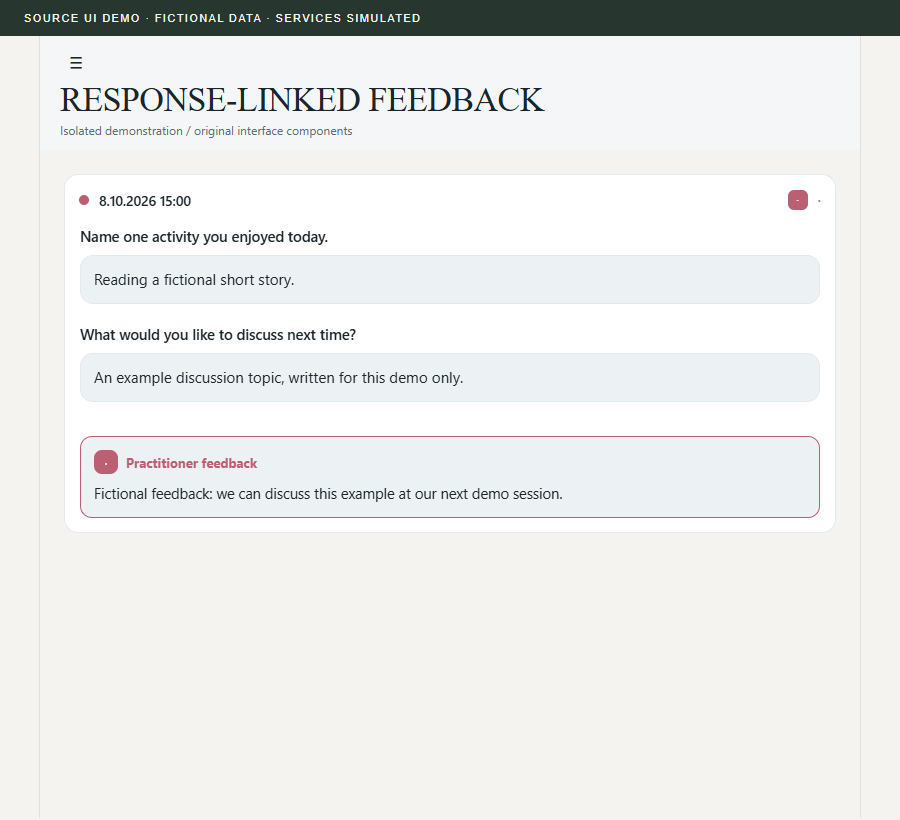
Practitioners can write feedback attached to a particular submitted response. This is a focused feedback workflow; a general real-time chat system has not been verified.
Session notes
A session-focused note interface includes loading and saving notes and tracking the session number. No real notes or client records were accessed for this presentation.
03 / ARCHITECTURE
How the pieces connect.
- LAYER 01
Role-based mobile interface
React Native and Expo provide the application shell and separate practitioner/client screen flows.
- LAYER 02
Templates and workflow services
Screen components use dedicated services for assignments, response records, templates and session notes.
- LAYER 03
Local and connected state
Local storage supports parts of the interface state; Supabase client services provide connected data operations.
04 / PRACTITIONER–CLIENT WORKFLOW
A response stays in context.
The verified communication path is feedback attached to a submitted assignment response.
- 01
Connect
A practitioner creates an invitation and a client joins the associated workflow.
- 02
Assign
The practitioner selects or designs an assessment and assigns it with an appropriate repetition setting.
- 03
Respond
The client completes the assigned activity and submits a response.
- 04
Review
The practitioner reviews the response and adds feedback tied to that record.
Practitioner side
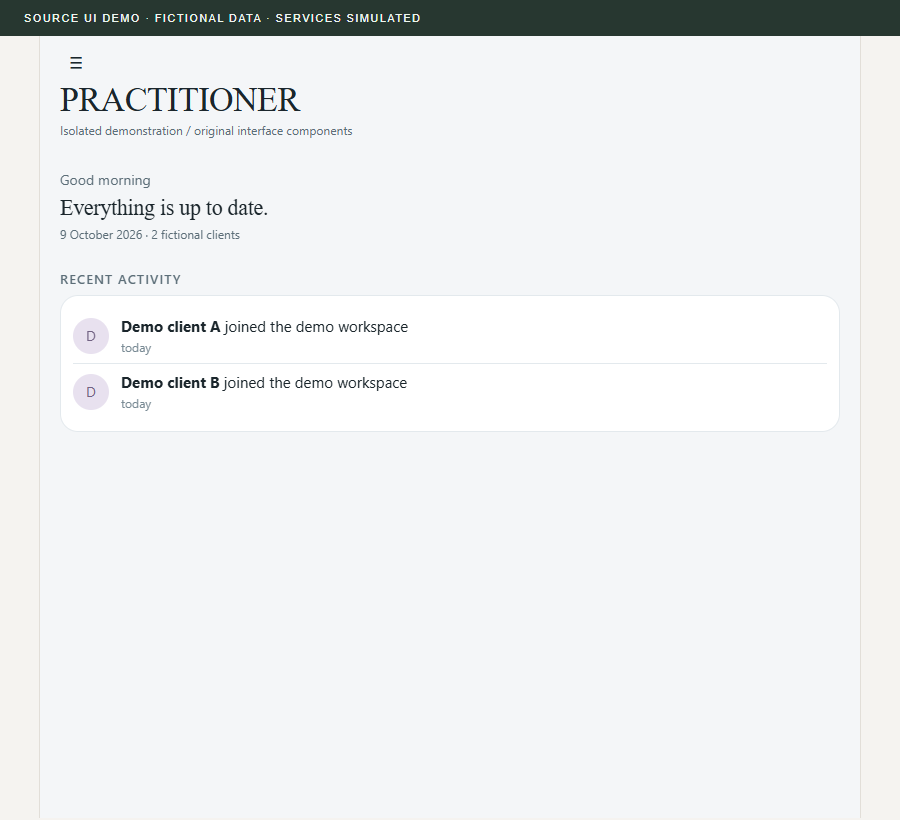
Create and reuse templates, assign activities, inspect responses and add feedback. A session-note interface supports work during a session.
Client side
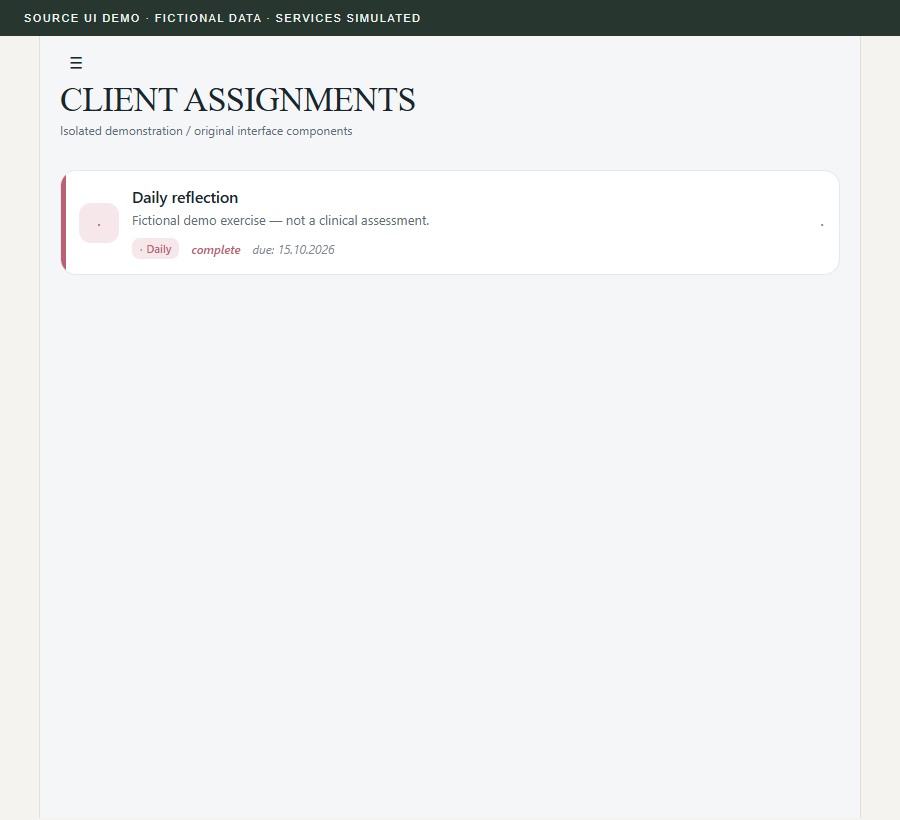
Join through an invitation, see assigned activities and submit responses. Draft storage is represented in the client service layer.
No client records or application data were used. This workflow diagram is source-grounded; it is not a product screenshot.
SELECTED PROJECT EVIDENCE
Existing code, visible in context.
Captured from isolated copies of the actual project components. The demonstration conditions and limits travel with each image.
Build a reusable questionnaire
Feedback belongs to a response
A practitioner view
An assignment on the client side
Reusable templates
05 / DEVELOPMENT STATUS
What exists. What is established.
A feature can be implemented in code while its connected behavior still requires verification.
Roles, invitations and templates
Role-specific navigation, invitation matching and a questionnaire builder exist. Selected screen demonstrations use fictional data and simulated service responses.
Assignments and feedback
Submission, drafts and feedback service paths are present. End-to-end synchronization and production access controls were not tested with a live backend.
General messaging
Verified communication is feedback attached to a response. A separate general-purpose real-time chat service is not demonstrated.
Clinical and regulatory outcomes
No clinical effectiveness, medical certification, regulatory compliance or security guarantee is asserted.
06 / ENGINEERING CHALLENGES
The difficult parts are part of the work.
Keep the response in context
A questionnaire, its submitted response and the practitioner’s feedback must remain associated throughout the workflow.
Separate roles and access
A visible role switch is not an authorization boundary. Connected access rules need their own verification.
Reduce administrative ambiguity
Repetition, draft state and submission status need to communicate what the client should do next.
07 / METHODOLOGY
How the work is examined.
- 01
Trace practitioner and client journeys through screens and services.
- 02
Use fictional demo assignments and original, non-clinical exercise text for interface checks.
- 03
Evaluate usability, access controls and clinical outcomes as separate questions.
Privacy is a design requirement.
The source includes local encryption-related code, role flows and connected services. These are design mechanisms; they do not establish a security guarantee. Authorization, key handling, retention, deletion and export behavior require independent testing. Demo screens use only fictional data and non-clinical exercise text.
08 / NEXT DEVELOPMENT STEPS
A roadmap with verification gates.
Proposed next steps based on the source review; no completion dates or release commitments are inferred.
- 01NEXT STEP
Verify the connected workflow
Test invitation, assignment, draft, submission and response-feedback transitions in an authorized isolated backend.
- 02NEXT STEP
Review privacy boundaries
Validate role authorization, retention, deletion and safe diagnostic behavior before a public service release.
- 03NEXT STEP
Evaluate communication needs
Assess whether contextual feedback is sufficient before specifying a separate messaging feature.
09 / SCOPE & LIMITATIONS
A clear boundary around the claims.
A workflow prototype, with care.
No public release or clinical validation is asserted. Describing the intended workflow does not establish treatment effectiveness.
- This is a workflow prototype, not a clinically validated diagnostic or treatment system. No medical certification or client-outcome claim is made.
- Implemented screens and services do not establish production readiness. Live synchronization, access controls and end-to-end service reliability were not audited here.
- There is no verified general-purpose messaging system or public download offered on this website.
10 / RESEARCH IN PROGRESS
Questions that guide the next step.
Useful structure, less administration
Which parts of between-session work benefit from reusable templates, and which need room for individual judgment?
Feedback in context
How can a response and its feedback remain understandable to both practitioner and client?